Facebook tracking pixel for theorbit page view analytics
We are delighted to announce that we are opening a new branch in Liverpool soon!
Web Design Services

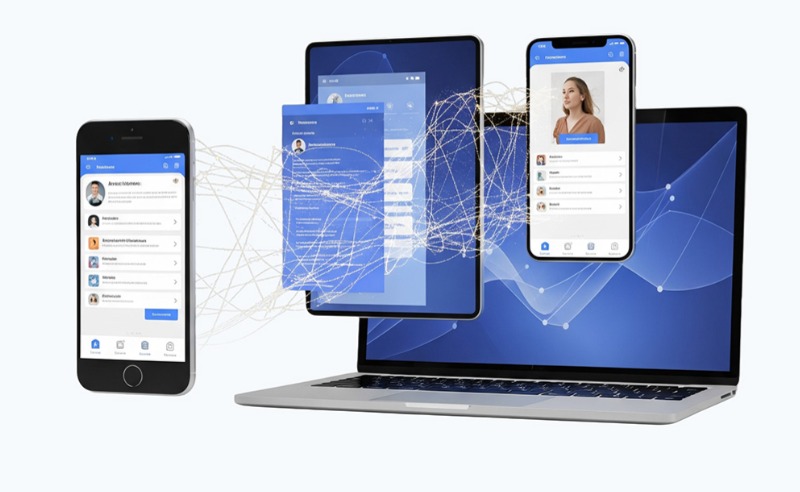
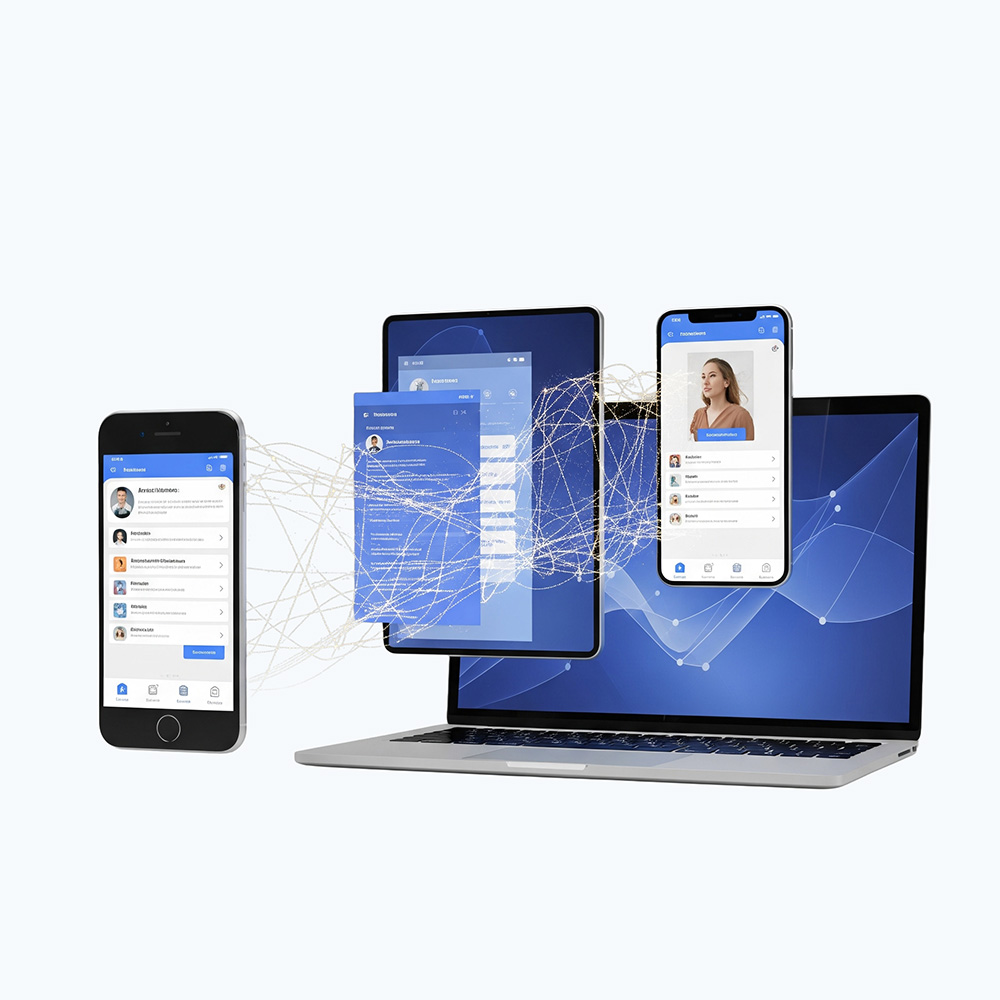
Mobile App Development

Engage your users on the go with beautiful, intuitive applications for both iOS and Android.


Native Performance

We build apps that are fast, fluid, and optimised for the specific platform, delivering the best possible user experience.


Access to Device Features

Leverage the full power of mobile devices, including push notifications, cameras, GPS, accelerometers, and more.


Offline Functionality

Design applications that work reliably even without an internet connection, syncing data once connectivity is restored.

Desktop App Development

For power-intensive tasks and complex workflows, nothing beats the performance and stability of a native desktop application for Windows or macOS.


Maximum Performance

Utilise the full processing power of the user's computer for data-heavy tasks, complex calculations, and high-resolution graphics.


Deep System Integration

Integrate seamlessly with the operating system, file system, and peripheral hardware like printers, scanners, and industrial devices.


Enhanced Security

Desktop applications can offer a more controlled and secure environment for handling sensitive business data.
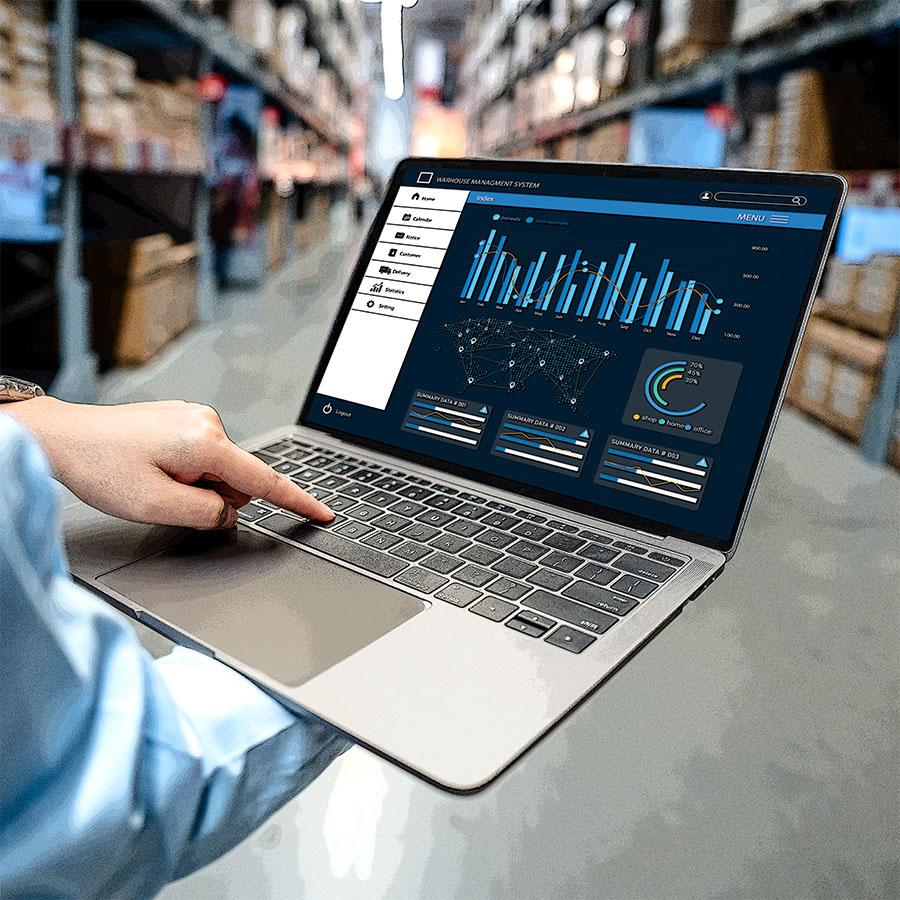
Desktop App Development

For power-intensive tasks and complex workflows, nothing beats the performance and stability of a native desktop application for Windows or macOS.

  • Maximum Performance

    Utilise the full processing power of the user's computer for data-heavy tasks, complex calculations, and high-resolution graphics.

  • Deep System Integration

    Integrate seamlessly with the operating system, file system, and peripheral hardware like printers, scanners, and industrial devices.

  • Enhanced Security

    Desktop applications can offer a more controlled and secure environment for handling sensitive business data.

Mobile & Desktop App Development Features
1. User Interface/Experience (UI/UX)

User Interface/Experience (UI/UX)

A simple, intuitive, and easy-to-navigate design is crucial for both.

2. Performance

Performance

Fast loading times and smooth performance are essential for user satisfaction and retention.

3. Security

Security

Protecting user data through secure authentication and strong data protection is a priority.

4. Push Notifications

Push Notifications

Inform users about updates, messages, or promotions.

5. Offline Functionality

Offline Functionality

Allows users to access core features even without an internet connection by caching data.

6. Personalization

Personalization

Tailoring the app experience to individual user preferences.

7. Search and Filtering

Search and Filtering

Helping users find information quickly.

8. Updates

Updates

Regular updates are needed to fix bugs, add features, and improve the experience.

9. Feedback

Feedback

Incorporating ways for users to provide feedback helps developers improve the app.

10. Analytics

Analytics

Tracking user behavior provides valuable insights for optimizing the app.

11. Biometric Authentication

Biometric Authentication

Using fingerprints or facial recognition for secure and quick logins.

12. GPS and Location Services

GPS and Location Services

Enabling location-based features like navigation or geofencing.

13. Camera and Image Processing

Camera and Image Processing

Integrating with the device's camera for features like QR code scanning or augmented reality (AR).

14. Motion Sensors

Motion Sensors

Using the accelerometer and gyroscope for features in gaming or fitness apps.

15. Larger Screen Layouts

Larger Screen Layouts

Desktop apps can utilize more screen real estate for complex dashboards, multiple windows, or detailed menus.

16. Keyboard and Mouse Integration

Keyboard and Mouse Integration

Optimized for precise input from a keyboard and mouse.

17. Multi-tasking

Multi-tasking

Facilitating the use of multiple applications simultaneously, a common use case for desktop operating systems.